
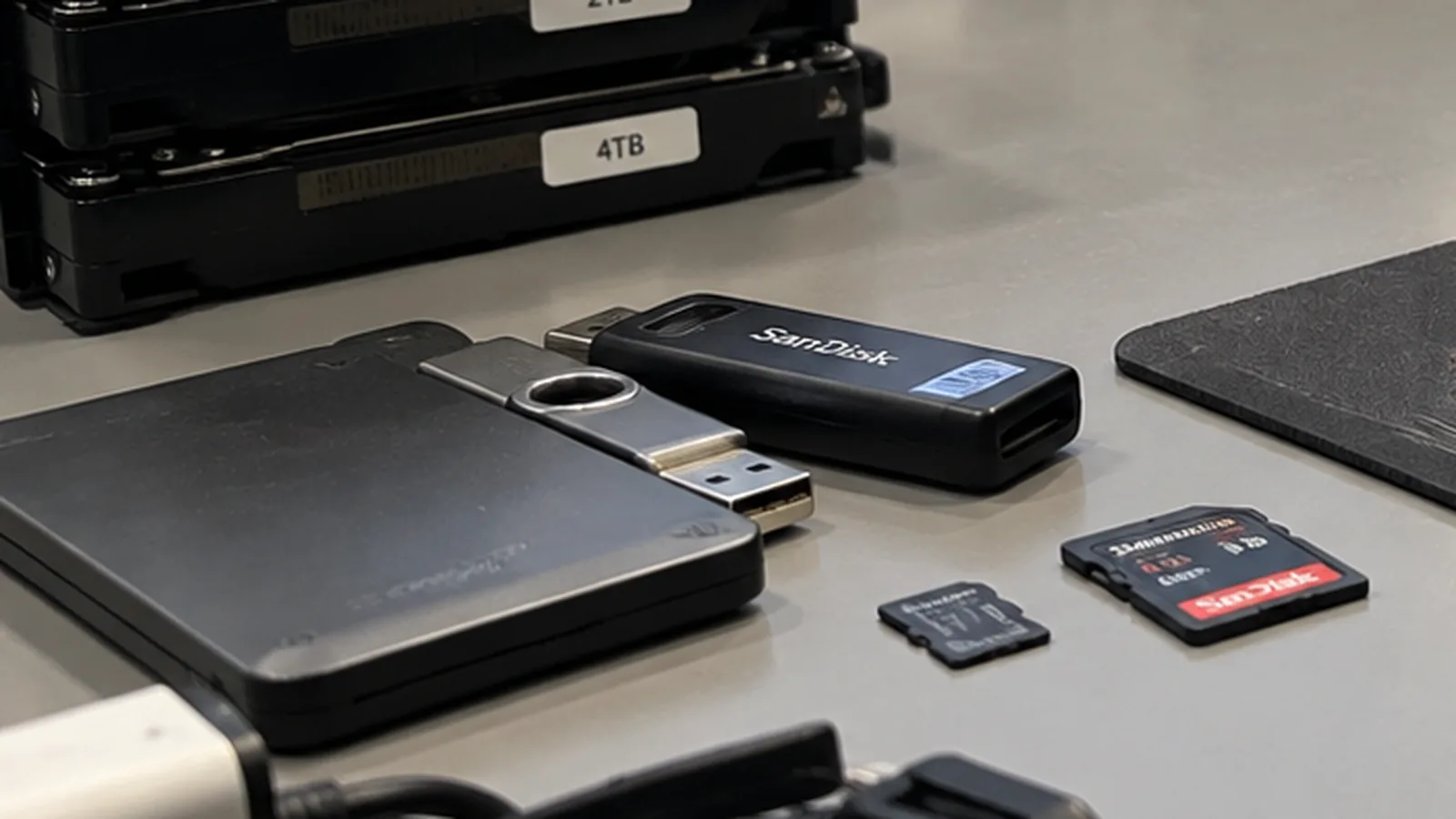
How to avoid the next data loss
Most of the cases that reach us would have been a footnote with a working backup. The obstacle is rarely the cost.
Mon–Fri 8 am–6 pm · emergencies and pick-up by arrangement
What is not a backup
A RAID is not a backup. It protects against the failure of a drive, nothing else. Deletion, ransomware, fire, theft and a mistaken reformat all affect every drive in the array at the same time.
Cloud sync is not a backup either. Synchronisation replicates changes – including deletions and including files a ransomware has just encrypted. Version history helps, but only within the retention period and only if you notice in time.
A second folder on the same drive is a copy, not a backup. When the drive dies, both copies die with it.

The rule that has held up
Three copies of the data, on two different types of medium, one of them in another place. It sounds elaborate and is, for a household, usually one external drive plus one cloud account.
The point of the third copy is not paranoia about drive failures. It is the class of events that affects everything in one room at once: a burst pipe, a fire, a burglary, or a lightning strike on the power supply.
The part most people skip
A backup that has never been restored is an assumption, not a backup. Twice a year, take a file from the backup and open it – not the list of files, the actual file. That is how you find out that the job has been failing silently for months, that the external drive is full, or that the archive is encrypted with a password nobody remembers.
Practical advice by situation
Private use: an external drive that is connected for the backup and disconnected afterwards, plus a cloud folder for the documents that matter most. Disconnecting is the important part – a permanently attached drive is encrypted along with everything else by ransomware.
Small business: automated daily backup, one copy out of the building or in a separate cloud account with its own credentials, and a documented restore test twice a year. Write down who is responsible for checking that the job ran.
Photographers and video: card content is copied to two places before the card is reused. That single habit prevents most of the memory card cases we see.
What it costs to skip this
A data recovery costs a multiple of an external drive, and it takes days during which the data is simply not available. The backup is not the expensive part of the equation.
Frequently asked questions
How often should I back up?
As often as you are prepared to lose work. For most private users that is weekly; for a business with daily entries, daily.
Is a cloud account enough on its own?
Not as a sole copy. Synchronisation passes deletions and encryption straight through. Combine it with a copy that is not permanently connected.
How do I test a backup?
Restore an individual file and open it. Do that twice a year – it is the only way to find out that the job has been failing quietly.
Lost data? Every further start-up attempt can do harm.
Call us or describe the case briefly in the form. The initial assessment is free of charge.