
Data loss: the first steps
What you do in the next hour decides more about the outcome than anything that happens in the lab afterwards.
Mon–Fri 8 am–6 pm · emergencies and pick-up by arrangement
Most of the damage we see was not caused by the original failure. It was caused afterwards – by restarting a drive with a damaged head a dozen times, by letting a RAID rebuild onto a failing member, or by confirming the operating system's offer to repair the file system.
The first minutes
Two short lists – what helps now and what makes the damage worse.
What you should do
Switch the device off and disconnect it from power. Note what happened immediately before: a fall, a power cut, a move, the exact wording of any error message. Check whether an older backup exists somewhere – even a six-month-old copy can save a lot of money. Then call.
What you should avoid
No recovery software on a noisy drive. No repair functions, no reinstallation, no reformatting. Do not swap the circuit board yourself – modern drives keep individual calibration data on it. And do not open the drive outside a clean environment.
Noises and what they mean
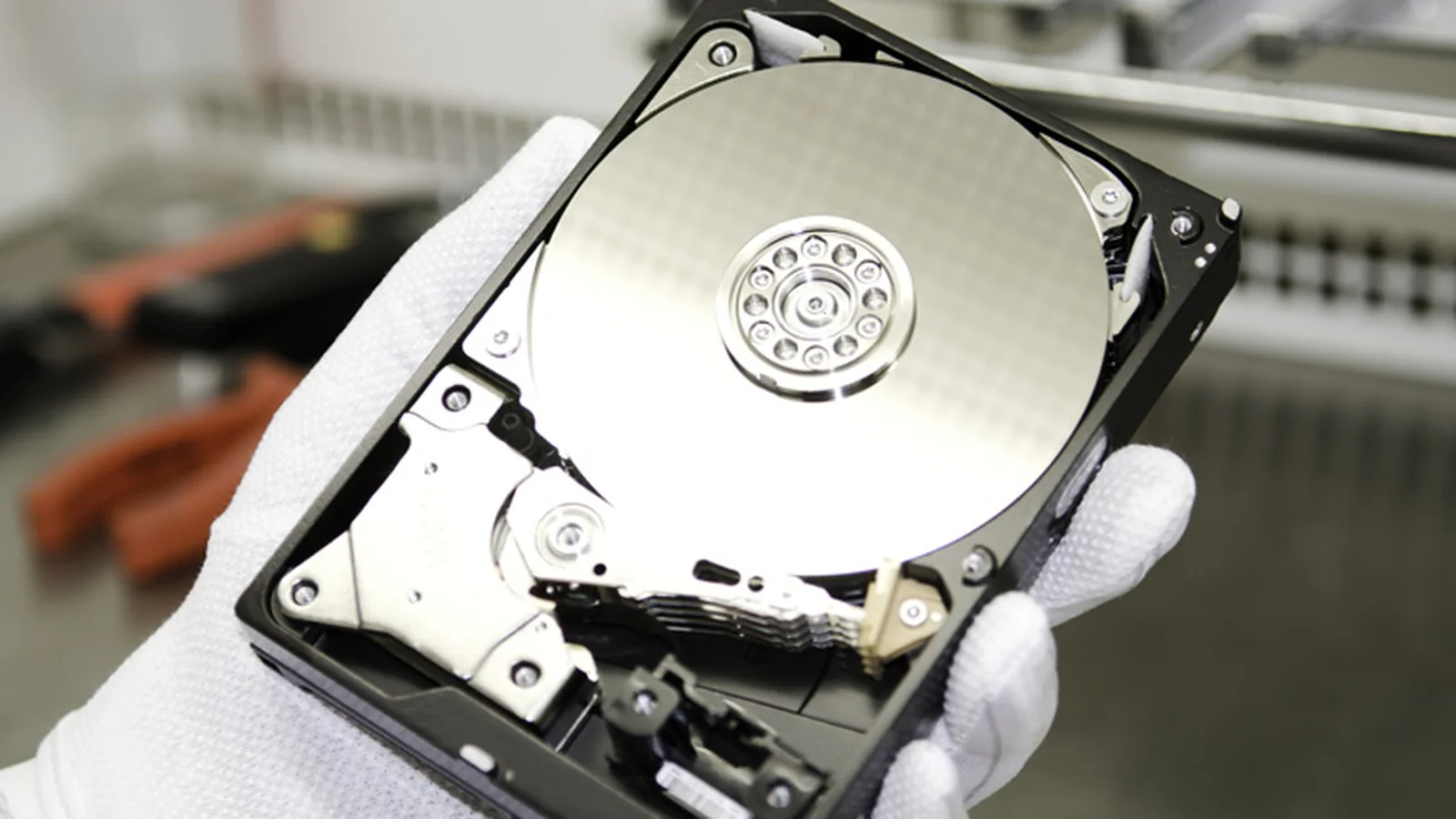
Rhythmic clicking usually means a damaged head assembly: the head tries to read the servo tracks, fails, returns to the park position and starts again. Prospects are generally good, as long as the drive has not been running for hours.
Scraping or grinding is the worst sound. The head is touching the platter and removing material. Every second of operation destroys more data permanently.
A short beep with no spin-up points to a seized head or a damaged spindle bearing, often after a fall. The surface is frequently undamaged, so prospects are usually good.
Regular ticking while the drive is still detected means damaged sectors or an incipient head problem. Stopping now preserves most of the data.
Frequently asked questions
The drive is clicking. How long may it run?
Not at all. Even a few minutes with a head touching the surface can destroy areas that were readable before. Switching it off is the only right reaction.
Can I quickly copy my photos off first?
That attempt often goes wrong. Copying loads the mechanics exactly where they are already damaged. If only a few files matter, tell us – they will then be read out first.
Is freezing the drive worth trying?
No. The advice comes from a time of different bearings and tolerances. Today condensation forms on the platters when the drive is taken out, which makes clean-room work harder or impossible.
The laptop got wet. Should I dry it and try again?
Do not switch it on. Corrosion continues under power and can reach the storage chips. Leave it off and have the drive read out separately.
Lost data? Every further start-up attempt can do harm.
Call us or describe the case briefly in the form. The initial assessment is free of charge.