
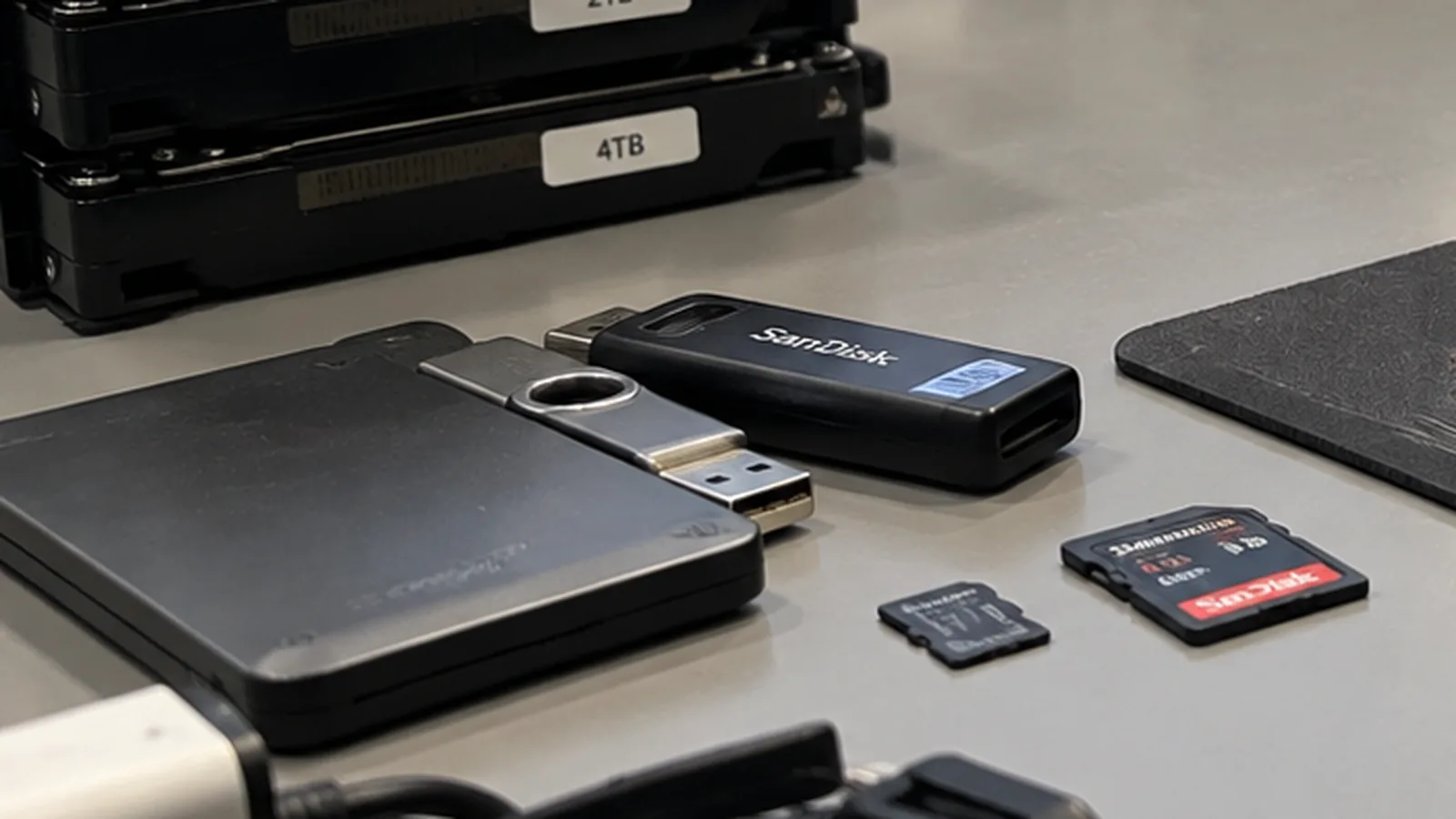
Formatted the drive – and now?
Formatting sounds final. In most cases it is not – provided nothing new has been written since.
Mon–Fri 8 am–6 pm · emergencies and pick-up by arrangement
What formatting actually does
A quick format writes a new, empty index and marks the whole area as free. The files themselves stay exactly where they were. That is why a quick format is one of the more forgiving accidents: as long as nothing new is written, most of the content is still physically present.
A full format is a different matter. On modern systems it writes zeros across the whole surface, and what has been overwritten stays overwritten. Before starting a recovery it is therefore worth knowing which of the two was done.
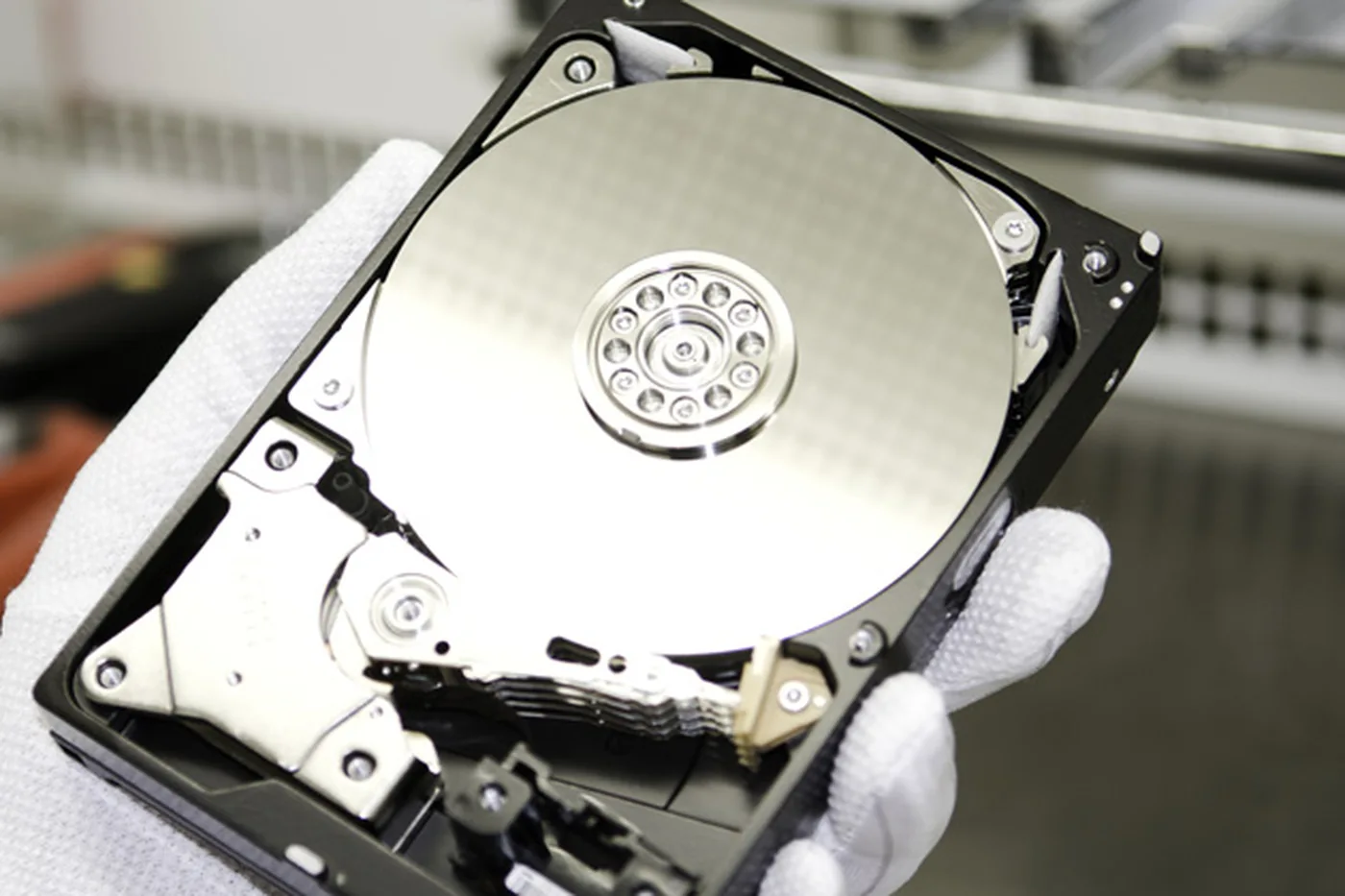
The decisive rule
Stop using the medium. Every file you save, every program you install, every system update lands in the free space where your data still sits. On a drive that was formatted and then filled with a fresh Windows installation, considerably less remains than on one that was formatted and immediately set aside.
How the data is found again
Two approaches are combined. The first looks for remnants of the old file system – old directory structures are often still present in areas the new index does not use, which brings back file names and folder structures.
The second searches the raw data for known file signatures: a JPEG starts differently from a PDF or a Word document. This works even when nothing of the index survives, but it costs the file names – recovered files are then numbered rather than named.
Where it becomes difficult
Fragmented large files are the hard part. Video and database files are rarely stored in one piece, and without the index it is not obvious which fragment belongs to which file. Reassembling them is possible but laborious, which is why it is more expensive than a straightforward recovery of documents and photos.
Encryption is the second limit. If the drive was encrypted and you no longer have the key, formatting does not matter – the data stays unreadable either way.
What to do first
- Stop using the drive and disconnect it.
- Do not install recovery software onto the affected drive. If you want to try something yourself, do it from another machine with the drive attached as a second medium.
- If the data matters, have an image made before any attempt. Every attempt on the original risks the state you still have.
Frequently asked questions
I formatted and then installed Windows. Is anything left?
Some of it usually is, but noticeably less. The installation occupies exactly the free space that held your files.
Quick format or full format – how do I tell?
By duration. A quick format takes seconds, a full format on a large drive takes hours.
Can I use recovery software myself?
You can, but never install it on the affected drive, and stop immediately if the drive makes unusual noises.
Lost data? Every further start-up attempt can do harm.
Call us or describe the case briefly in the form. The initial assessment is free of charge.