
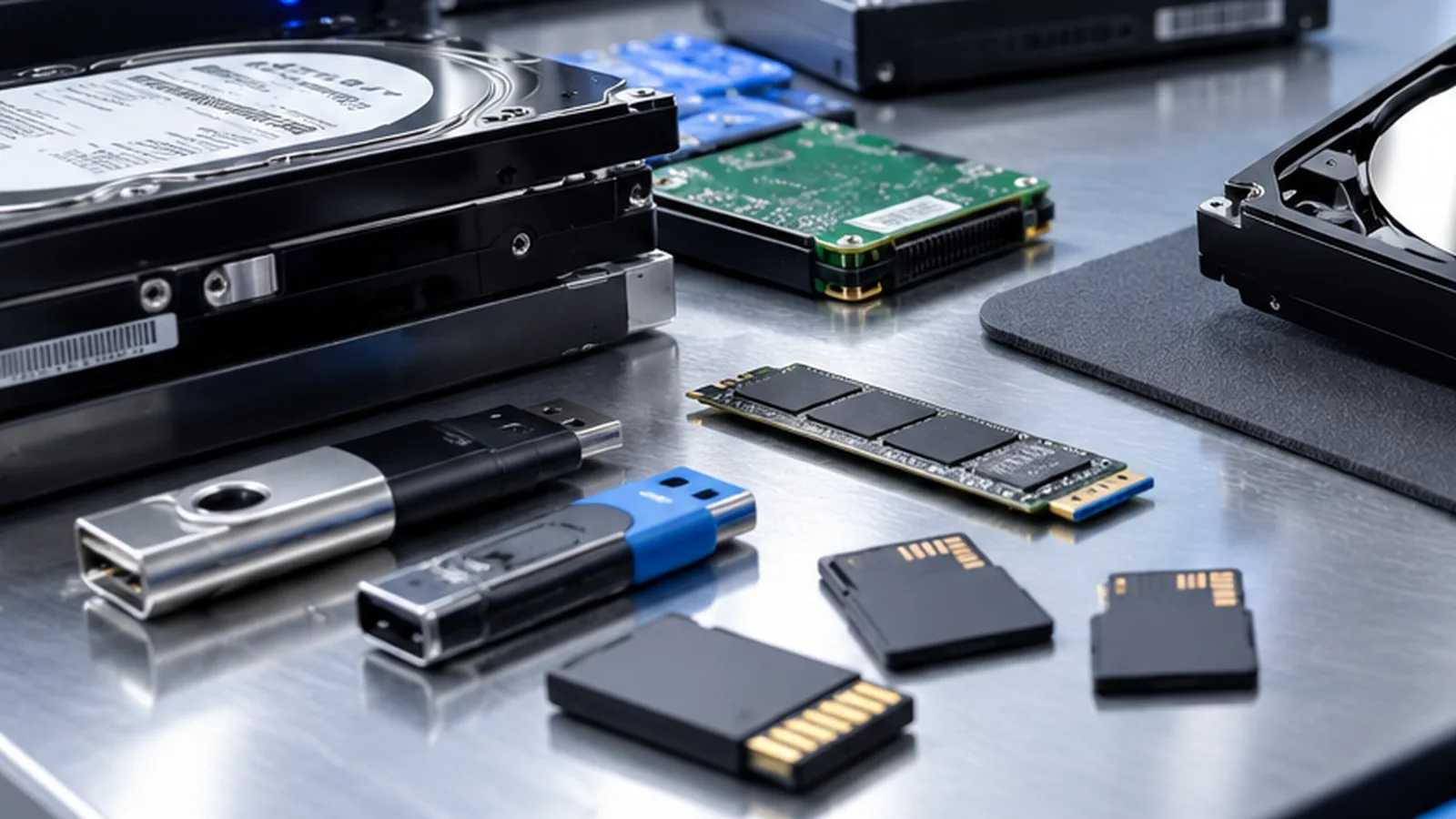
SSD and data recovery: why TRIM changes everything
With an SSD, a defective drive is often better news than a working one. Why that is, and what follows from it.
Mon–Fri 8 am–6 pm · emergencies and pick-up by arrangement
The fundamental difference to a hard drive
On a hard drive, deleting only removes the entry in the index. The data itself stays where it is until something else is written over it. That is why recovery software often still works weeks later.
An SSD works differently. It cannot simply overwrite a memory cell – it has to erase it first, and erasing happens block by block over areas considerably larger than a single file. To stay fast anyway, the controller tidies up in the background: it gathers data that is still valid and erases whole blocks in advance.
What TRIM actually does
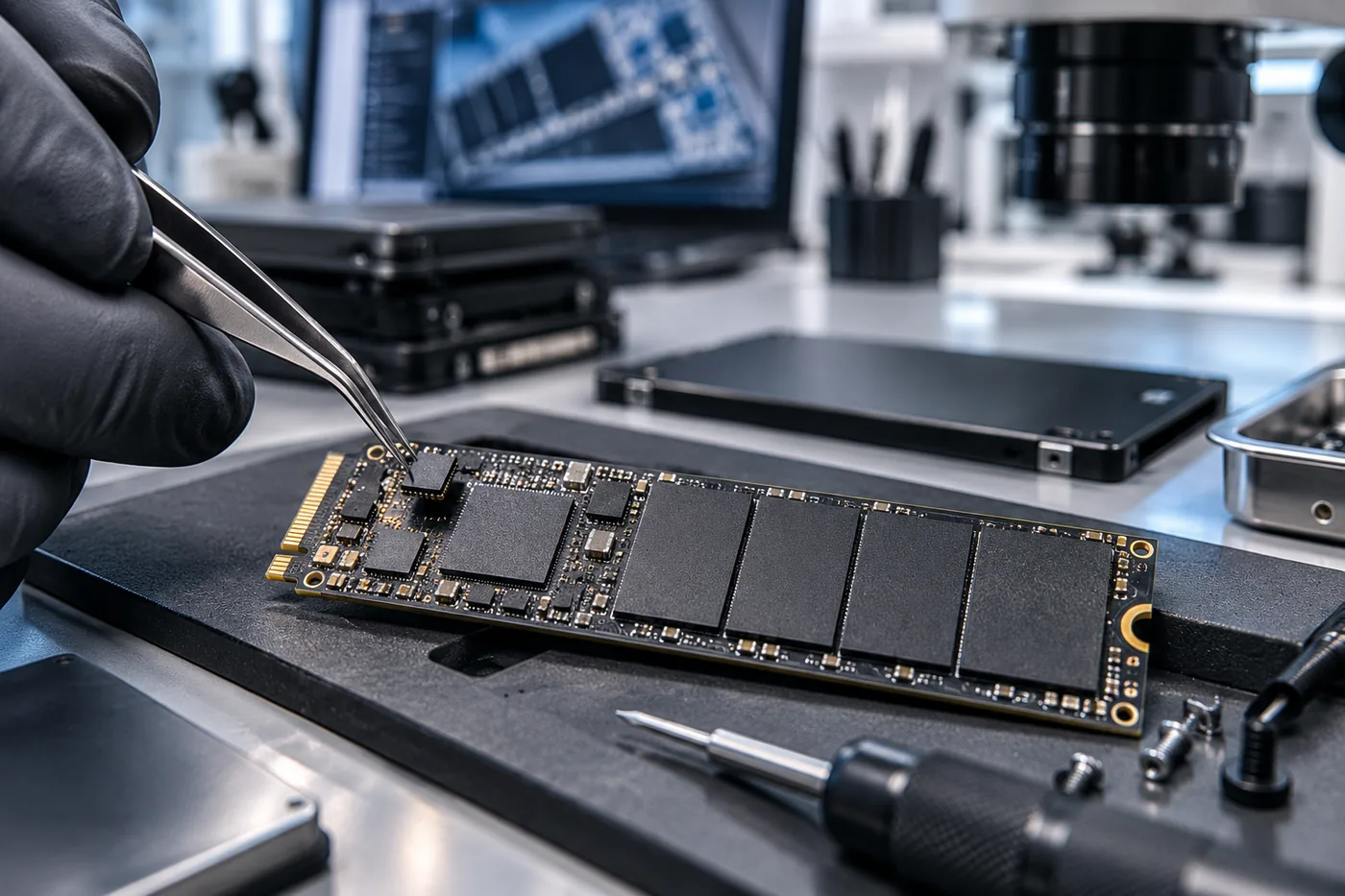
When you delete a file, the operating system tells the drive which blocks are no longer needed. That message is the TRIM command. The controller then clears those blocks at its leisure – typically within minutes, at the latest at the next idle moment.
From that point the data is not “overwritten somewhere” but physically gone. No software can recover it, regardless of what the product page promises.
Which follows: a working SSD is the worse case
If files were deleted by accident and the drive is still running, time is against you. Every minute of operation lets the controller clear more blocks. The only sensible reaction is to switch the computer off immediately – not to install a recovery tool, because installing writes to exactly that drive.
If, on the other hand, the SSD is defective – not detected, capacity reported as zero, controller in safe mode after a power cut – then it has not been able to erase anything. The memory chips are usually intact and the data is complete. The work then happens below the normal interface: the controller is addressed in technical mode, the translation tables are read out and the raw content of the chips is reassembled.
Where the limits are
Two situations remain difficult regardless of technique. The first is encryption without a key: almost all current SSDs encrypt internally, and many systems add another layer on top. Without the password or recovery key even a perfectly readable drive stays unreadable.
The second is physical destruction of the memory chips – fire, crushing, a controller that has written nonsense into its own translation tables over a long period. Even then something can often be salvaged, but rarely everything.
What follows for everyday use
Because deletion on an SSD is final, a backup matters more here than it did in the age of hard drives. The comfortable assumption that “something can always be recovered” no longer holds. A second copy on another medium is not paranoia; it is the only thing that reliably helps against accidental deletion.
Frequently asked questions
Files were deleted an hour ago. Is anything left?
Possibly, but every minute of operation reduces the chance. Switch the device off now and do not install any software on that drive.
The SSD is not detected at all. Is that worse?
Usually it is better. A drive that failed electronically could not erase anything, so the content is often complete.
Does a recovery program help after deletion on an SSD?
Rarely, and installing it makes matters worse because the installation writes to the drive. If the files matter, stop using the machine.
Lost data? Every further start-up attempt can do harm.
Call us or describe the case briefly in the form. The initial assessment is free of charge.