
The hard drive is clicking – what now?
Clicking, ticking, grinding, beeping: each noise stands for a different defect. What they mean and what you must not do.
Mon–Fri 8 am–6 pm · emergencies and pick-up by arrangement
Why a hard drive makes noise at all
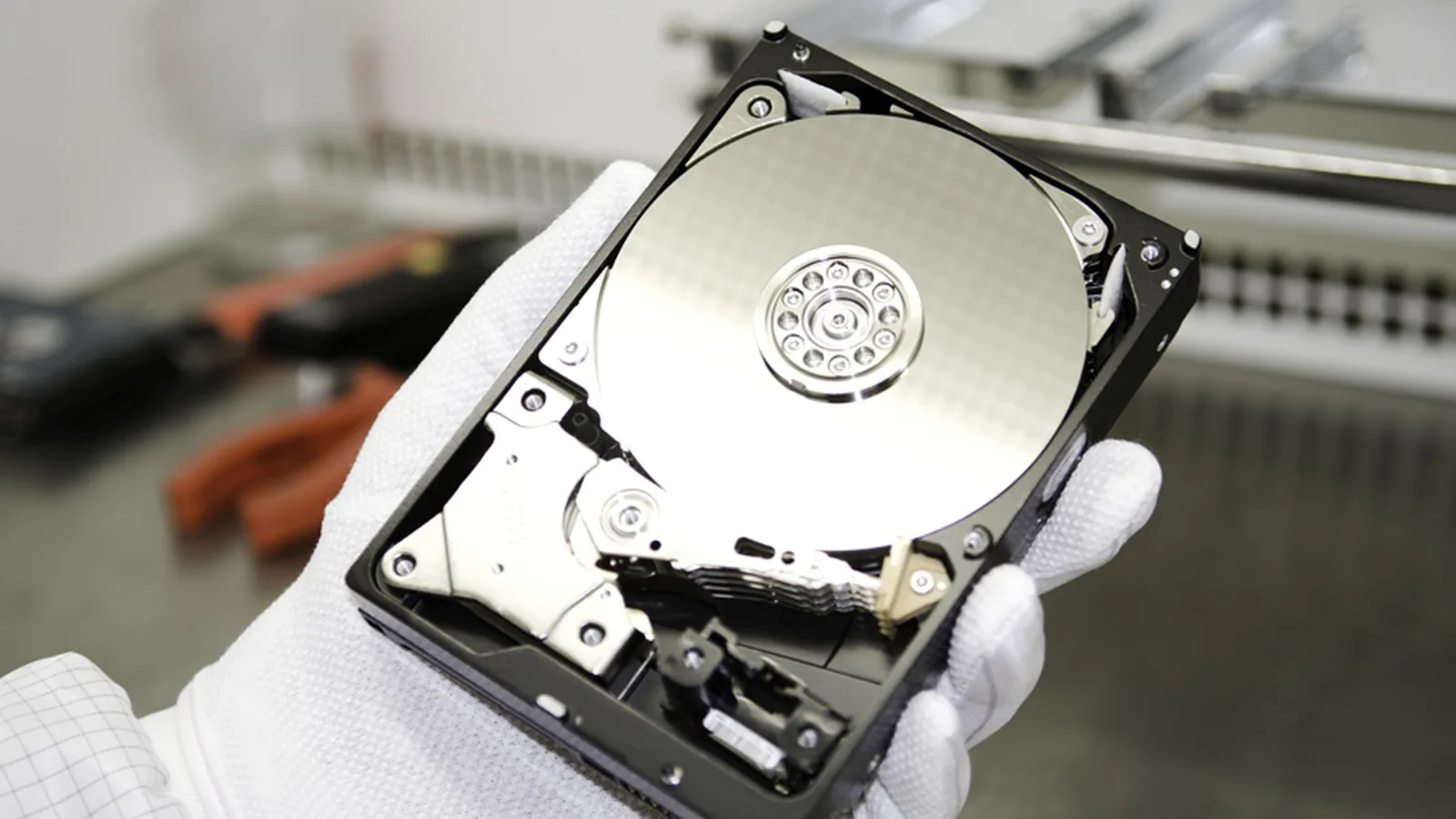
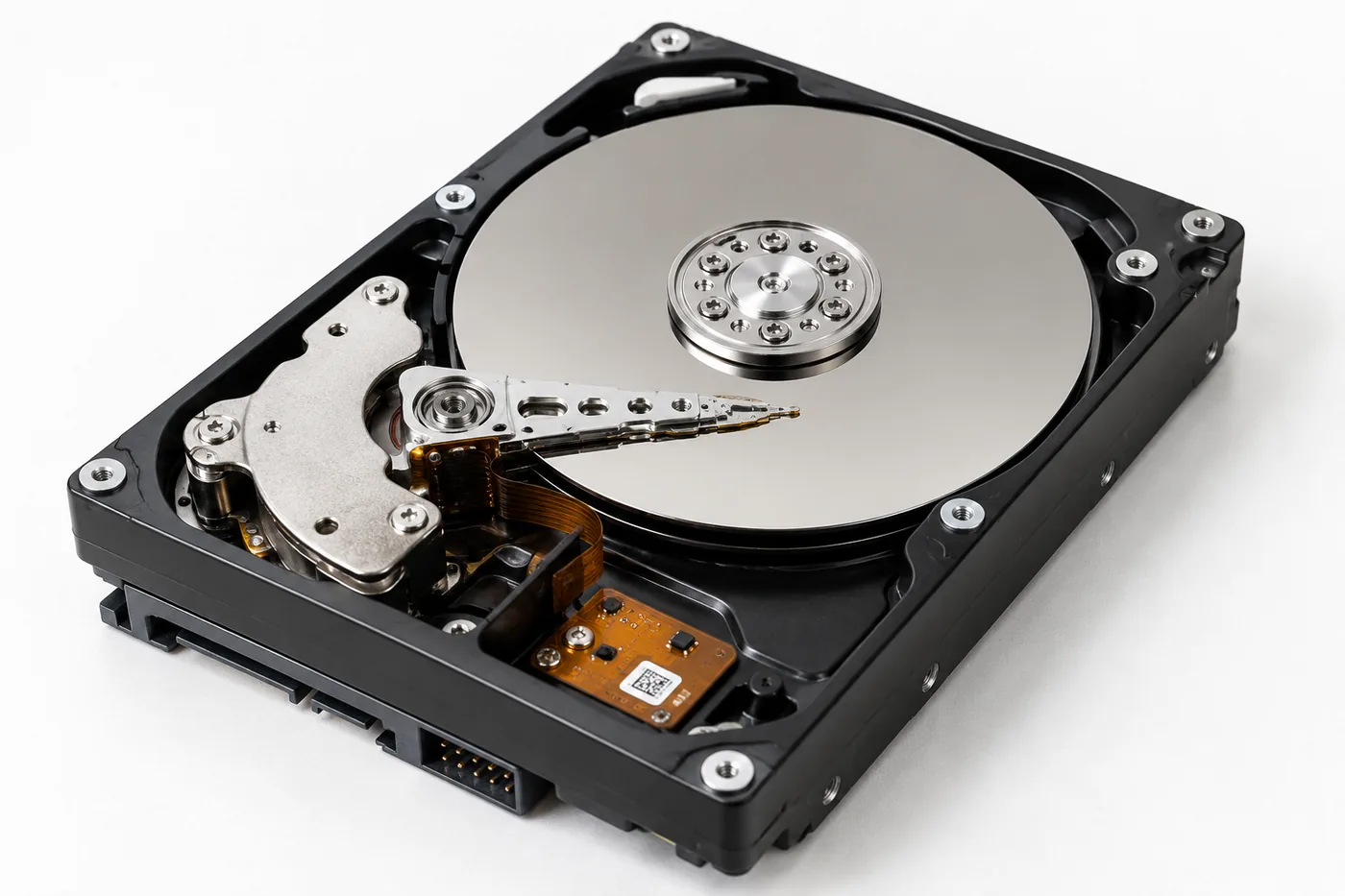
Inside, one or more platters rotate at 5,400 to 7,200 revolutions per minute, on server drives at 10,000 or 15,000. A read-write head floats above them at a distance of a few nanometres – roughly a thousand times thinner than a human hair. It is carried by a cushion of air that the rotation itself produces.
In normal operation you hear almost nothing of this: a quiet hum and the occasional soft rustle as the head moves across the platter. Anything beyond that is a warning sign.
The four typical noises
Rhythmic clicking, about once a second
The classic “click of death”. The head tries to read the servo tracks, fails, returns to the park position and starts again. The cause is almost always a damaged head assembly, less often a fault in the firmware's management data.
Prospects: generally good, provided the drive has not been running for hours. The head assembly is replaced under clean-room conditions and the drive is then read out sector by sector.
Grinding or scraping
The worst sound there is. It means the head is touching the platter and removing material. The magnetic layer is being destroyed mechanically – every second of operation eliminates more data for good.
Prospects: depend on how long it ran. After a few seconds much can often still be saved; after minutes of operation frequently only fragments. Here every start-up attempt really does count.
A short beep, drive does not spin up
The drive tries to start but the motor does not turn. Either the head is stuck to the platter or the spindle bearing is damaged – typically after a fall.
Prospects: usually good. The intervention is more involved because head or bearing have to be freed mechanically, but the data surface is often untouched.
Regular ticking while the drive is still detected
The drive reports to the system but hangs on access. Usually there are damaged sectors or an incipient head problem. The operating system keeps retrying the same areas and loads the mechanics.
Prospects: good, if you stop now. Sector-by-sector reading with an adapted strategy often brings back almost everything – provided the drive has not been ruined by days of copy attempts.
Three pieces of advice you should ignore
“Put it in the freezer.” The tip comes from a time when drives had different bearings and tolerances. Today it causes damage: condensation forms on the platters when the drive is taken out, which makes clean-room work considerably harder and sometimes impossible.
“Give it a tap.” A knock can free a stuck head – and scratch the surface while doing it. The chance that it helps is out of all proportion to the risk.
“Just swap the circuit board.” Modern drives store individual calibration values in the chip on the board. A foreign board does not adapt those values; in the worst case it writes incorrect translation tables to the platter on spin-up. A board swap is possible, but only with the original ROM content transferred.
What makes sense instead
- Switch the device off and disconnect it from power. With external drives, unplug the power supply.
- Note what happened immediately before – a fall, a power cut, a move, the exact wording of an error message.
- Check whether an older backup exists anywhere. Even a six-month-old copy can save a lot of money.
- Call and describe the noise. It is often possible to narrow the case down on the phone.
And the most important point: there is no time pressure as long as the drive stays switched off. A drive that is not running does not deteriorate. Only the next start-up attempt does.
Frequently asked questions
How long may a clicking drive run?
Not at all. Even single minutes with a head touching the surface can destroy areas that were readable before. Switching it off immediately is the only right reaction.
Can I quickly copy my photos off first?
That attempt often goes wrong. Copying loads the mechanics precisely where they are already damaged. If only a few files matter, tell us – they will be read out first.
The drive only clicks sometimes. Is that harmless?
No. Occasional clicking is usually the beginning of a head problem. Secure whatever copies without trouble, then stop using the drive.
Lost data? Every further start-up attempt can do harm.
Call us or describe the case briefly in the form. The initial assessment is free of charge.