
NAS failure: QNAP, Synology and the volume that will not mount
A NAS is storage, not a backup. When the volume disappears, the copy everyone assumed existed usually goes with it.
Mon–Fri 8 am–6 pm · emergencies and pick-up by arrangement
What sits underneath the friendly interface
A QNAP or Synology NAS is a small Linux system. Underneath the web interface there is a software RAID, on top of it a volume manager, and on top of that a file system – usually ext4 or Btrfs. When something goes wrong, several of those layers are affected at once, and they have to be repaired in the right order.
That is the reason why the repair function offered by the device is so often the step that turns a recoverable case into a difficult one: it writes to structures instead of reading them.
The typical cases
One drive has failed
With RAID 1, 5 or 6 the system keeps running. That is the moment to secure data – not the moment to start a rebuild on a device whose remaining drives are the same age. If the data matters, image the drives first.
The volume no longer mounts
Often after a power cut. The array is intact but the file system layer above it is damaged. Do not accept any repair offer; have the drives imaged and the file system reconstructed on the copies.
The NAS no longer boots
Sometimes only the system partition on the drives is broken while the data volume is fine. This is one of the friendlier cases, provided nobody has reinitialised the device in the meantime.
What to do
- Shut the NAS down properly and leave it off.
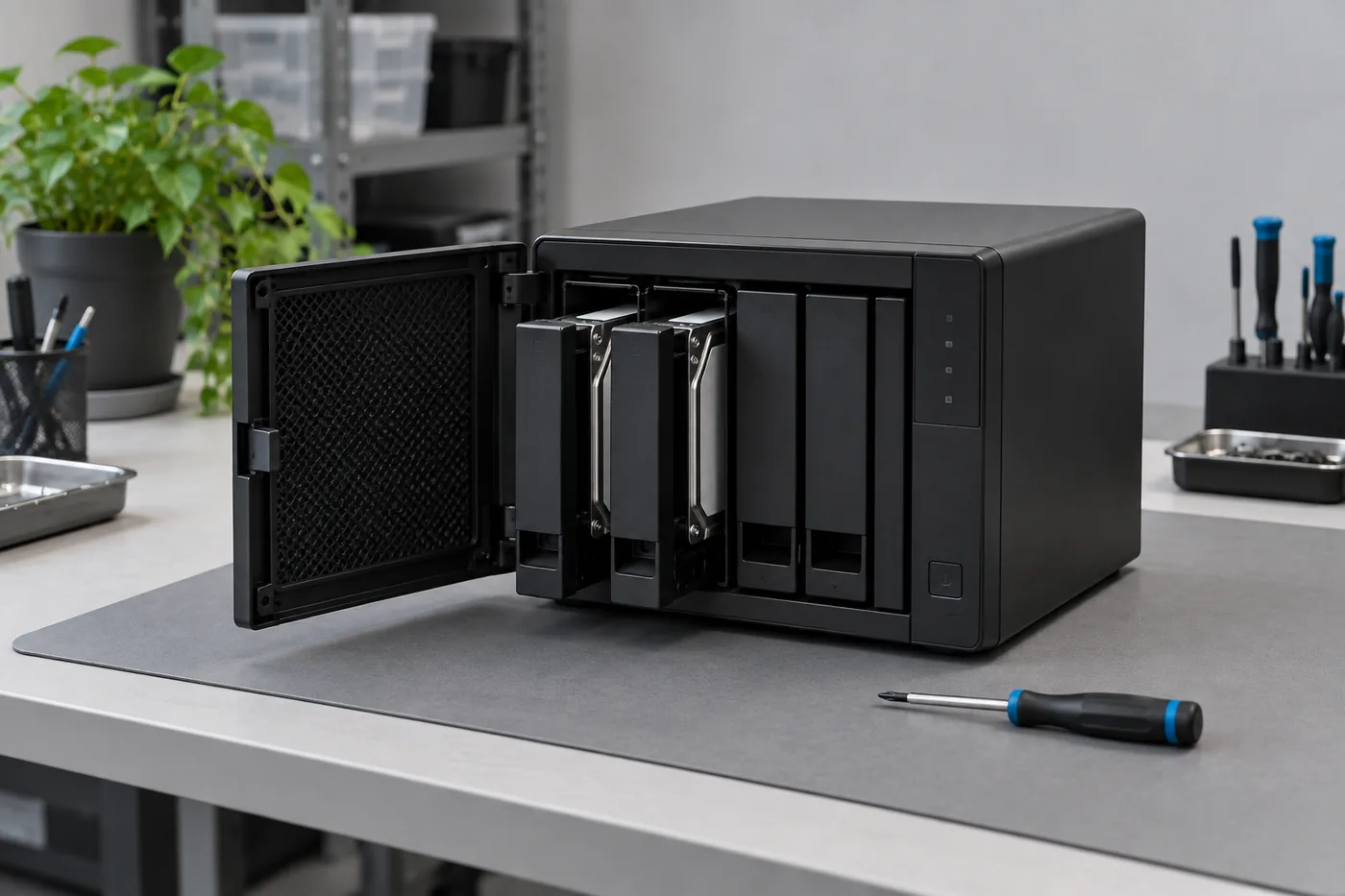
- Label the drives with their bay numbers before removing them. The order is part of the reconstruction.
- Do not confirm any repair, do not reinitialise, do not reinsert drives “to see what happens”.
- Note what has already been tried and pass that on with the drives.
Encryption and snapshots
Encrypted shared folders can be recovered, but only with the key or password. Without them the data stays unreadable for a lab as well. Snapshots, on the other hand, often help: they may still contain an older state of the files, and it is worth mentioning them when describing the case.
The part that is uncomfortable
Many NAS devices are sold as a backup solution, and many people use them as their only copy. A NAS protects against the failure of a drive. It does not protect against deletion, ransomware, fire, theft or a controller error. If the content matters, it needs a second copy that is not permanently connected to the same network.
Frequently asked questions
The NAS offers to repair the volume. Should I let it?
Better not. Repair functions write to the volume. If the data matters, image the drives first.
Can a NAS be recovered without the enclosure?
Usually yes – the drives are what matter. If the enclosure is suspected to be the cause, send it along.
Do snapshots help?
Often, yes. They can contain an older state of the files, so mention them when you describe the case.
Lost data? Every further start-up attempt can do harm.
Call us or describe the case briefly in the form. The initial assessment is free of charge.